
Imageediting tools
Free imageediting tools you can try instantly in your browser. No signup, no install.
8 tools · sorted by community upvotes · browse all
Waifu2x - Image Upscaler
While the website URL and site does look a bit odd, this website gives you the ability to upscale images to 2 times its original size. The website works on advanced algorithms (most likely machine learning) and is specialized in upscaling anime/ manga style images, so while you can try uploading photos, results may not be as great as anime/ art based images. In my own experience though, it still does a good job handling photos, logos, and other images. The website is completely free to use...
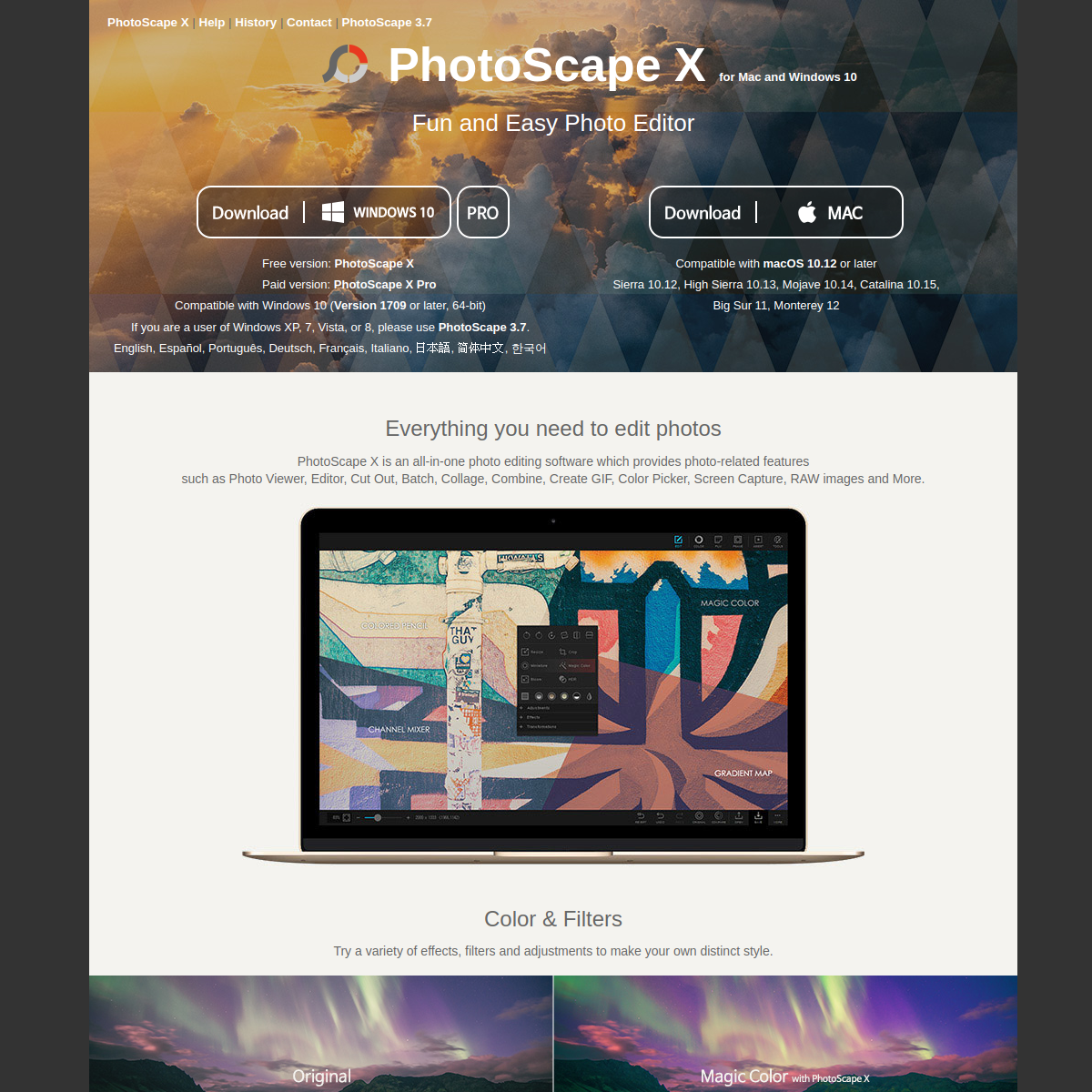
PhotoScape
PhotoScape X is a free photo editing software for Mac and Windows 10. It has many features to help improve and edit images including, filters, visual effects, Gif creator, batch resizing & lots more. You can achieve some great results with this software and It can help to create a wide range of photo effects and photo related things like 3D objects textures & collages.
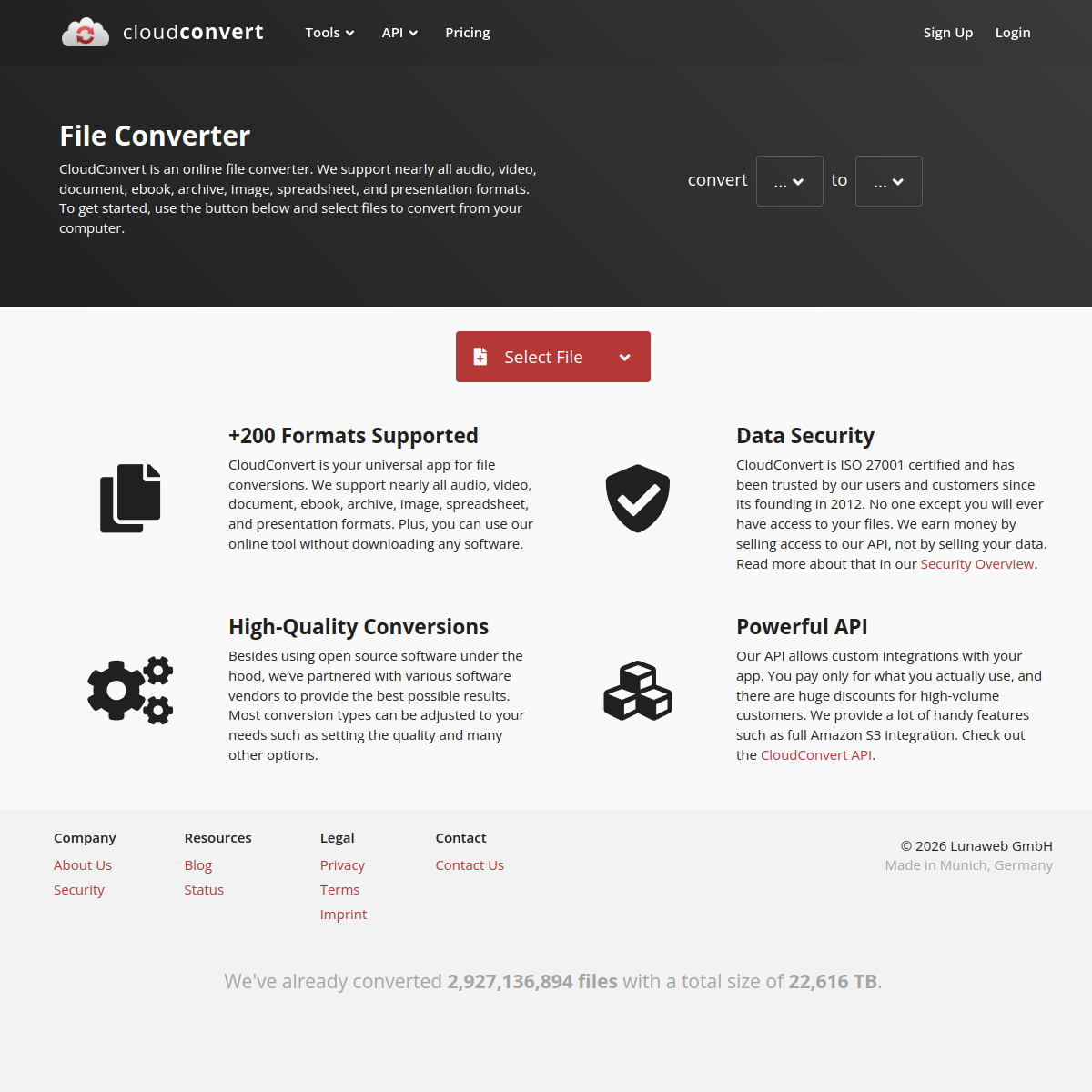
Convert Cloud
CloudConvert is very similar to Convertio and provides almost the exact same features, but it is a nice alternative that allows for 25 files to be converted for free per day. If you require more images converted in 1 day you do have to pay a reasonable price. Unlike Convertio, you can pay only for what you need instead of being tied to a monthly subscription (although that offer is still available as well). Convert Cloud also offers tools for compressing images, saving a website as a PDF,...
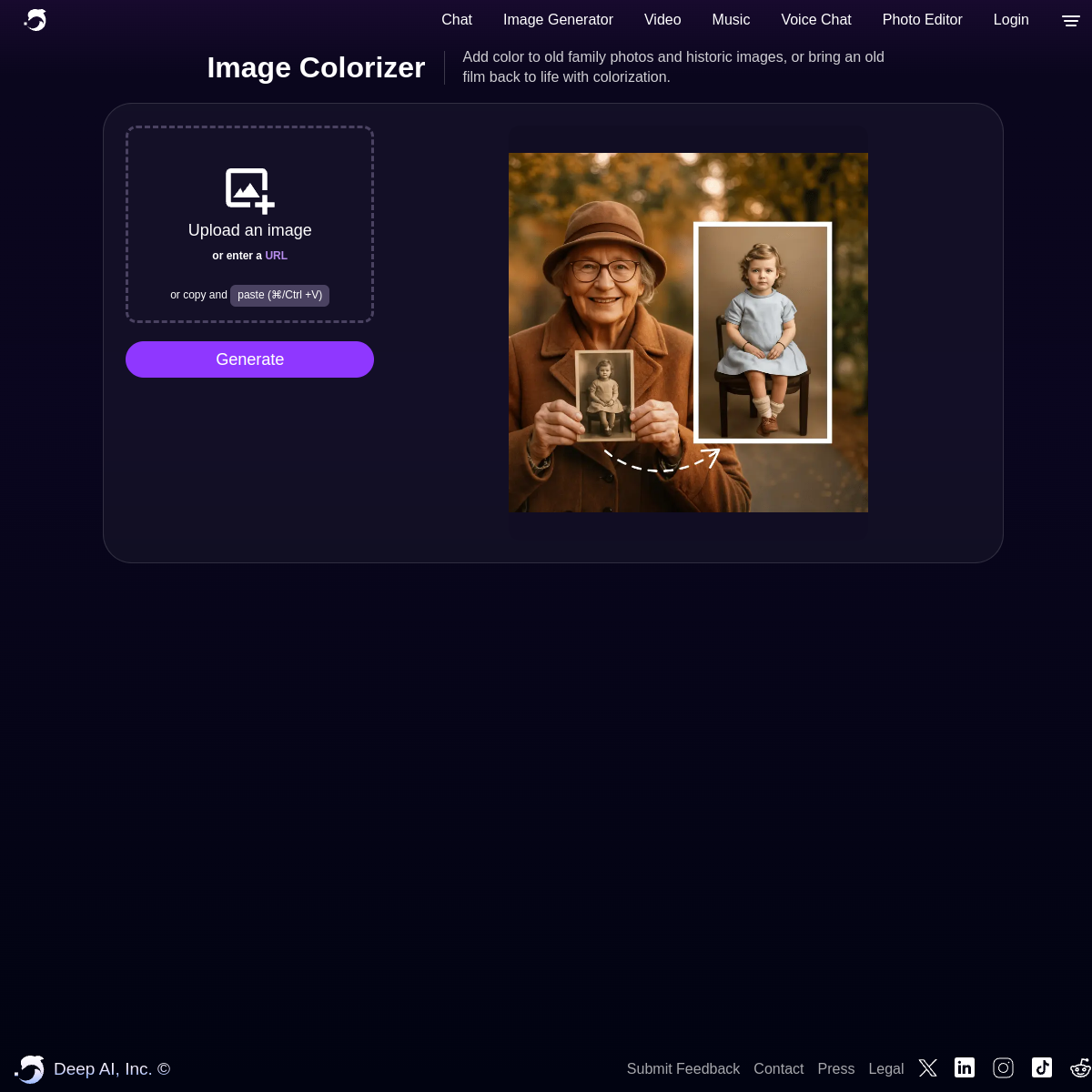
DeepAI
DeepAI features a machine learning algorithm that tries to colourize, restore colour and restore films. DeepAI provides a simple API that can be used on Javascript, Python, Ruby and C#. There is an image size limit of 1200px by 1200px, if you try to upload anything larger, it will be shunken to those dimensions.
Convertio
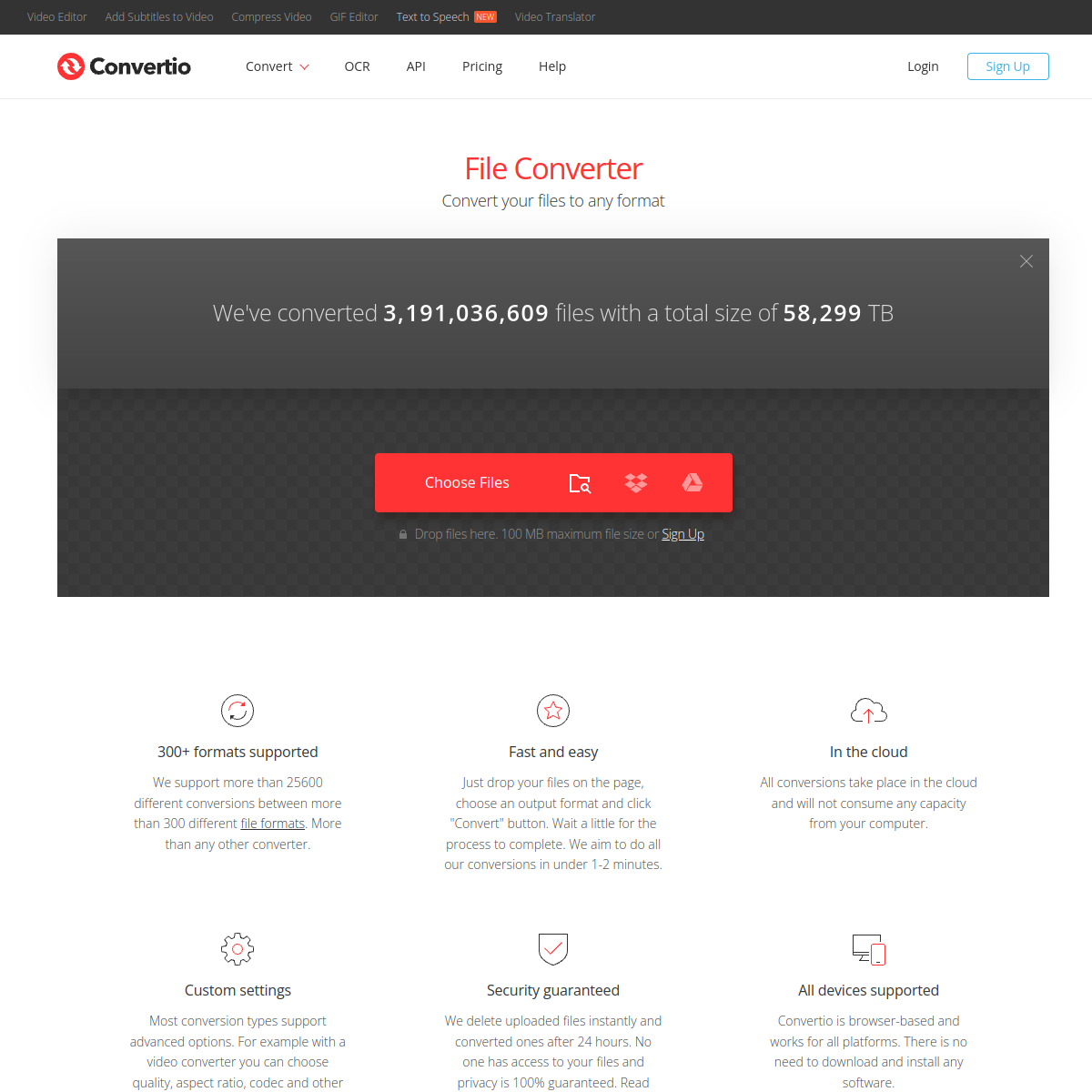
Convertio is a website that allows you to convert various file formats into other file formats. It has a sleek interface and supports a lot of file formats ranging from images, audio, video & more. It's all free to use for a limited amount of files. If you need more files converted, you may have to buy a subscription. For those who are a bit more technical, Convertio also offers an API that you can incorperate into your own websites making it easy for you to get user generated data and...
Rasterbator
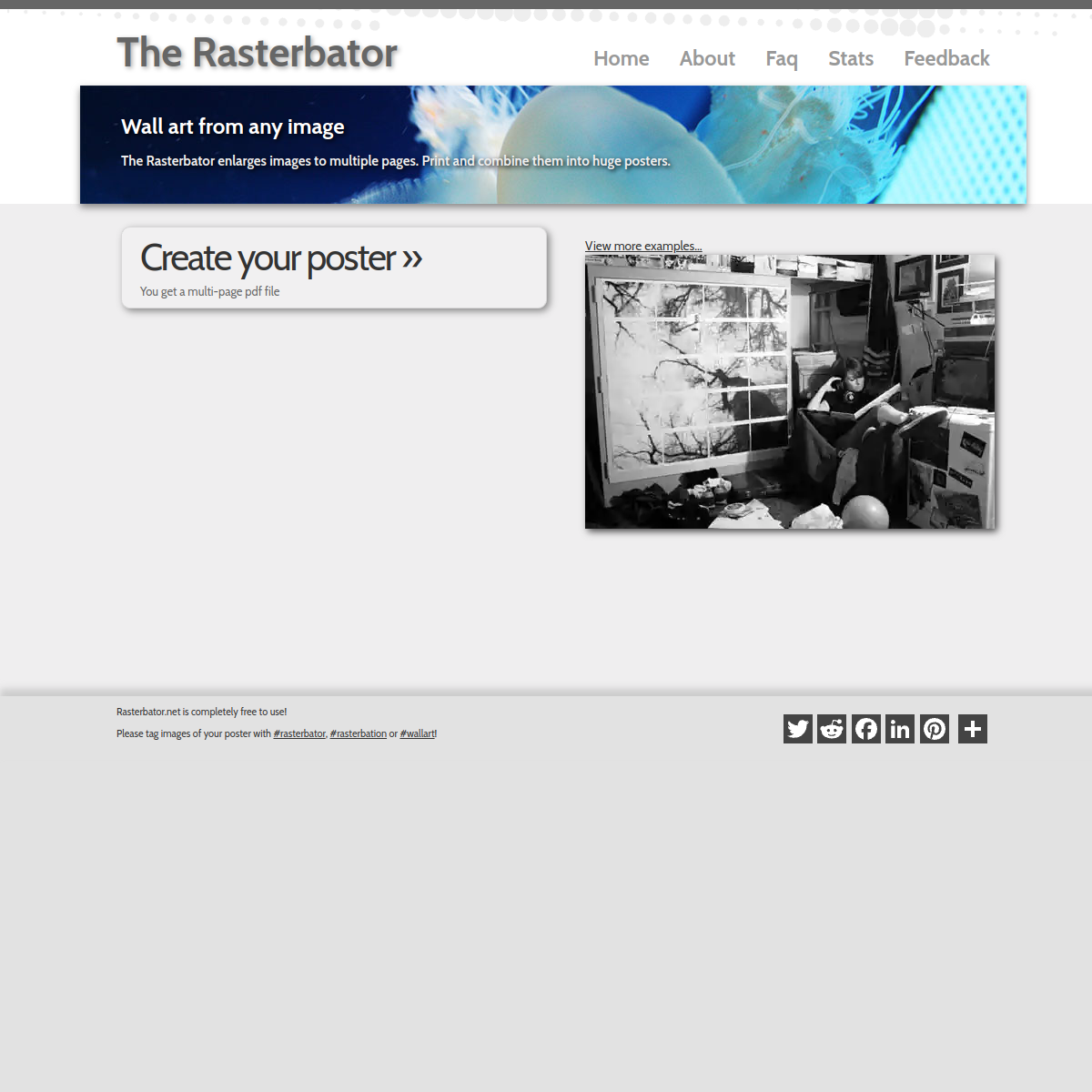
Questionable names aside, the Rasterbator is a useful website for blowing up an image to be displayed as a large poster created from smaller pieces. It's recommended that you upload a high-quality image for the image to maintain its clarity. Once you upload an image, the website will let you split up the image into various rows, columns, and sizes of paper sheets. When you're happy with the layout, you can confirm and download a PDF document that has the split up image ready to be printed.
Tooooools.app
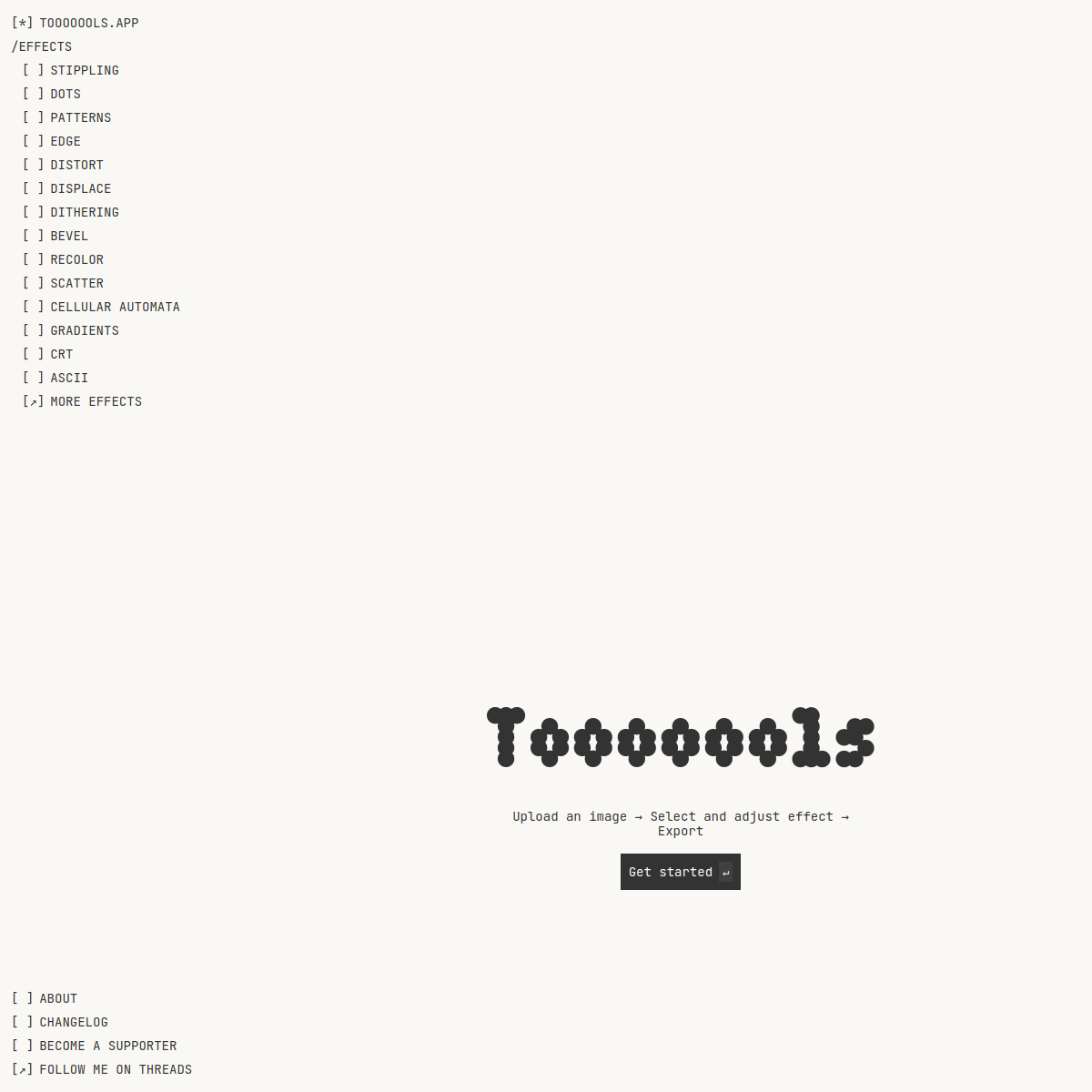
Tooooools.app is a free online platform for applying minimalist and lo-fi effects to images. Users can upload a .jpg or .png image, select various effects such as blur, grain, or gamma, and adjust them in real time before exporting the edited image. The tool is easy to use and doesn't require attribution for personal or commercial use. It's a simple, accessible option for quick image processing without needing software installation.
Bulk Resize/Compress/Crop/Watermark Photos
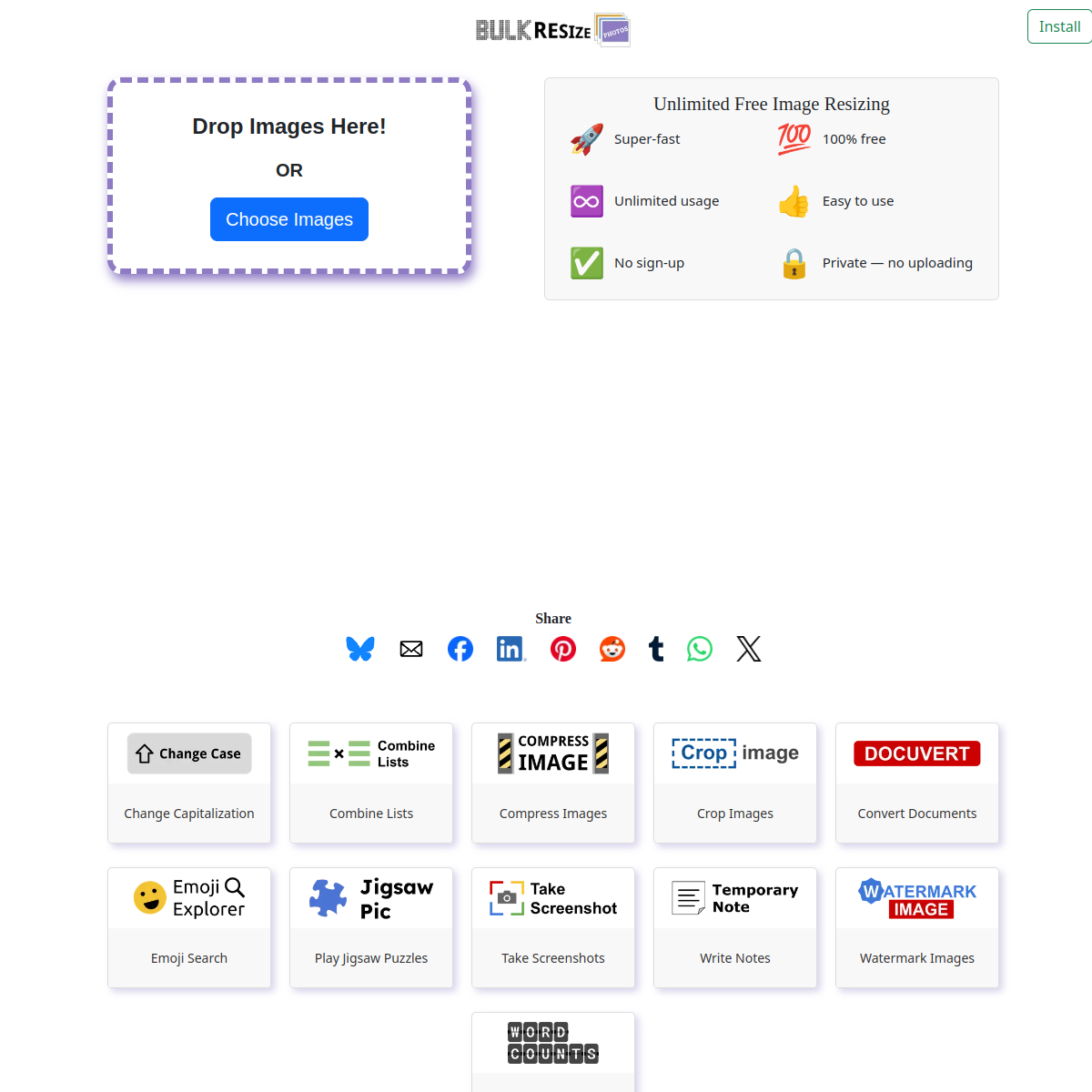
Bulk Resize Photos claims to be the fastest online photo size reducer on the internet. The website works completely client-side meaning that none of your images get uploaded to their server. All of your photos are processed on your device and the website says you can resize 150 images in 60 seconds! The website supports JPEG, PNG and WEBP file formats and uses new web platform technology called PWA (progressive web apps) to give you the ability to download the site as an app so you can...